
Your mining desk, rebuilt.
Run 5tratumOS above existing Debian, Ubuntu or Raspberry Pi OS, inside a dedicated Proxmox LXC, or install it clean on dedicated hardware.
5tratumOSMining at a glance.
Not a concept. Not a cloud panel.
This is the actual local interface: one deliberately colourful place for your miners, nodes, apps and hardware.
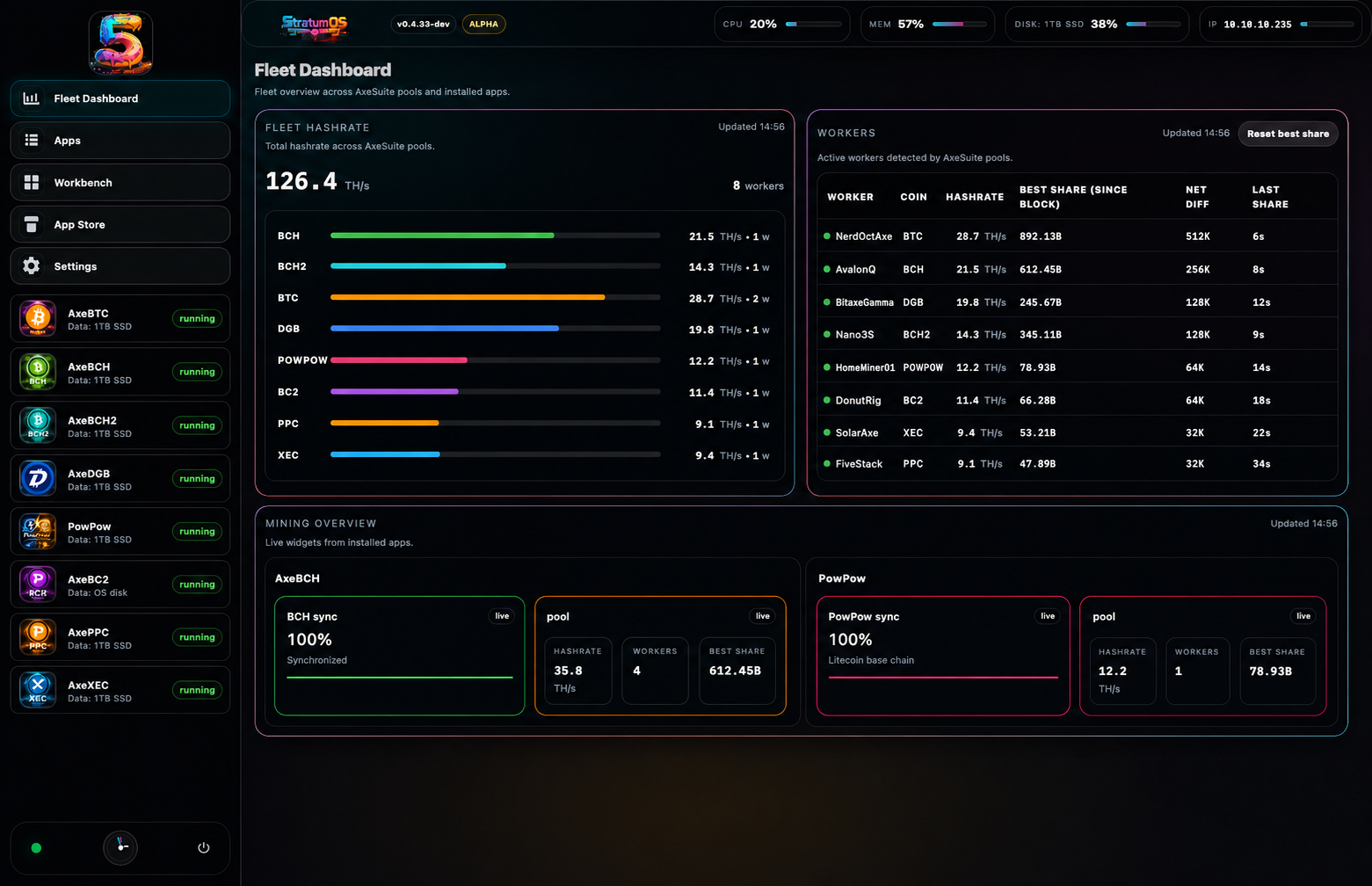
Every pool, worker and chain in one command surface. Representative active telemetry shown.
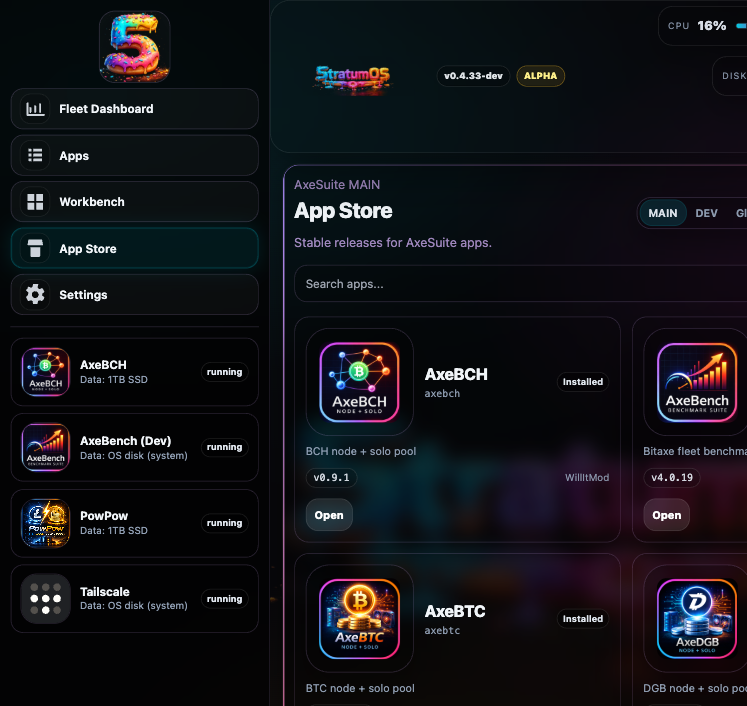
Install the node and mining stack you actually want to run.
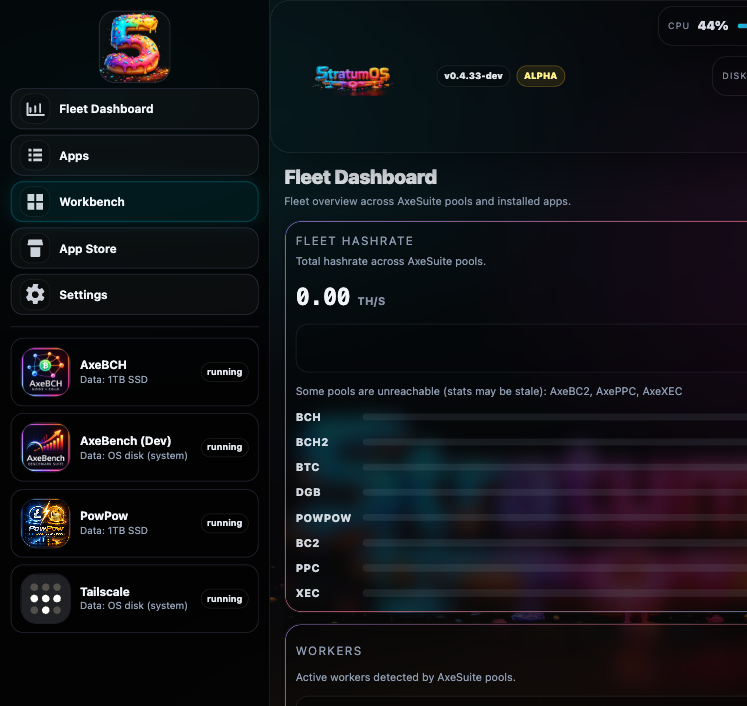
Storage, terminals and system tools without leaving the browser.
Keep your kernel—or start clean.
The quickest routes add 5tratumOS above an existing Linux foundation. Choose Linux, Raspberry Pi or Proxmox here, then copy the reviewed command from the full install guide.
Direct Linux
Keep the Linux kernel, drivers, networking and storage you already run. Add the complete 5tratumOS operating and management layer above Debian or Ubuntu.
Debian 12 / 13 · Ubuntu Server 22.04 / 24.04 LTSSee the Linux command →ARM64 · EXISTING HOSTRaspberry Pi
Keep Raspberry Pi OS responsible for the board and kernel while 5tratumOS becomes the operating layer for your apps, nodes and miners.
Pi 4 / 5 · Raspberry Pi OS Lite 64-bit · Bookworm / TrixieSee the Pi command →DEDICATED · PROXMOX LXCProxmox helper
Run one helper in the Proxmox shell. It creates an unprivileged Debian LXC and installs 5tratumOS inside the guest—not on the hypervisor.
Debian 12 / 13 guest · DHCP · on-bootSee the Proxmox helper →Starting with dedicated hardware?
Choose a full UEFI, legacy BIOS or Raspberry Pi image when 5tratumOS should own the machine from first boot.
AMD / Intel · UEFI
For modern mini PCs, desktops and servers. Write the UEFI ISO to a USB drive with Rufus, boot it, then follow the installer.
5tratumos-installer-v0.8.7-uefi.iso- 64-bit x86 CPU
- 16 GB RAM minimum
- 1 TB SSD / NVMe recommended
One OS. A whole fleet of chains.
Each app owns its node, wallet and mining stack. 5tratumOS gives them one consistent home, one update surface and one fleet dashboard.

5tratSmack
Wallet, full node, solo pool, explorer and public Komodo DeFi atomic trading in one gloriously unhinged home-mining app.
Explore →
AxeBTC
Run the chain, point your home miners and keep the whole Bitcoin solo-mining stack under your own roof.
Explore ↗
AxeBCH
A complete local BCH node and solo pool with the same fleet-first experience across the AxeSuite family.
Explore ↗
AxeDGB
DigiByte full-node operation, live shares and chain visibility built for hardware you can actually hear.
Explore ↗
5TRAT keeps the block special.
A five-minute SHA-256d chain where Blue, Pink and Gold proofs turn every home-mined block into an event. The network sets the difficulty. Completed trades establish the trend. Nobody gets to invent the price.
Clear ownership. Clear routes.
The important links are public and easy to inspect. Installation, releases, issue tracking, app stores and blockchain information each have a proper home.
Install 5tratumOS
Hardware requirements, downloads, flashing and first login.
Start here →02Full install images
Raspberry Pi v0.8.10, UEFI and BIOS v0.8.7, and checksums.
Open release downloads ↗03Support & issues
Report reproducible faults and follow work in the open.
Open issues ↗045TRAT network
Coin design, live infrastructure, explorer and wallet tools.
Enter the network →